
Internship · Shipped Q3 2026
Designing account experiences at scale
3 features shipped toward millions of users, and 3+ explorations from 0→1, in a 7-month internship.
Role
Product Design Intern
Team
Product Infrastructure: Account & profile
Timeline
Feb – Aug 2026
Collaboration
Software Engineers
Product Managers
Content Designers
Data Analysts
Overview
I craft intuitive experiences for accounts from first encounter at login to tasks users want done in seconds.
Want the full story?
Reach out via email or LinkedIn for walkthrough
Enter password to unlock moreEnter password to unlock more
Reach out to for details.
Projects
A peek at what I worked on during my 7 months internship
I work across signup, the Account SDK that partner apps use for TikTok login, and multi-account switching. On the side, I explore profile looks and new components for PGC creators around upcoming events.
Project #01 · Shipped
TikTok login and signup, with fewer steps
Login and signup are the first barrier users face when entering the product. The conversion efficiency of different login methods directly drives churn.
Issue #1
TikTok users land on the wrong panel constantly: signing up on login, logging in on signup, with a low manual switch rate between.
Switch between panels
Issue #2
Over time, layered designs fell out of sync with the design system, the brand barely showed on entry.
Inconsistent brand visual style
Solution
Merge login and signup into one panel that reads input and account status, then directs to the right next step.
- Rebuild the visual system: unified color, typography, spacing, and brand presence.
- Keep track and ship the unified panel across platforms and global regions, considering local regulations.
Project #02 · Shipped
Supporting one-tap login for family apps
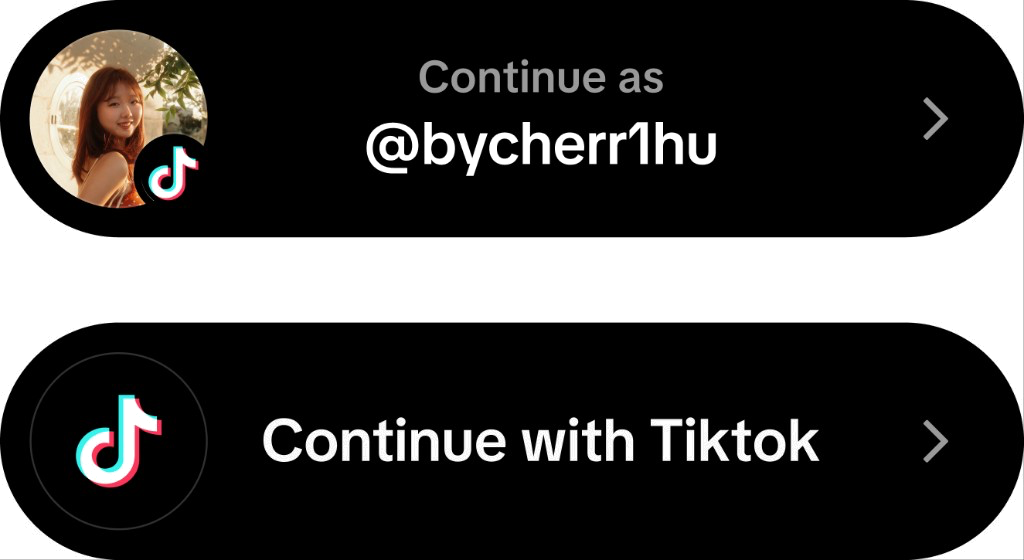
Family apps use TikTok’s Account SDK so people can log in with their TikTok account. For people with both apps installed, login should take one tap. Today, each family app designs its own version. The flows look different from app to app, and some open a separate web panel just to log in.
Solution
I designed a universal framework that still allows customization.
- People logged in to TikTok join with one tap.
- People who have TikTok but aren’t logged in will auto-switch to TikTok to log in.
- Users without TikTok installed see a refreshed interface.
Customizable logo, slogan, button, and background
Project #03 · In Testing
Switching accounts from the tab bar
Many users switch accounts regularly on TikTok, and currently they have to go to their profile or scroll to bottom of Settings to switch accounts.
Solution
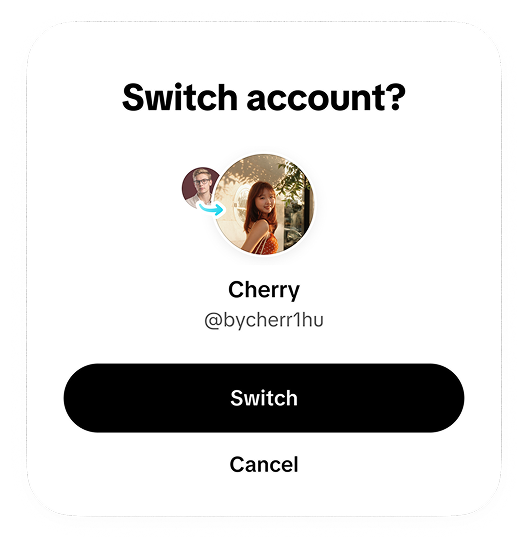
Introducing double-tap and long-press gestures with guardrails.
- Explore switching animations that hold up across device performance.
- Show tooltip for new gesture if users switched accounts.
- Show a first-time panel on double-tap to prevent accidental account switches.
Project #04 · Design Proposal
Making QR login clearer for users
Current web login often already has a QR code to scan, but the design shows a static code with lines of directions that are hard to comprehend.
Solution
Design and animate visual steps that guide users where to tap in the app to reach the scan feature
- Animated step-by-step guidance from home screen to profile to scan icon, with jitter.
- Prototyped 3 different website layouts to experiment with design directions.
Before
After
Project #05 · In Exploration
Visual exploration for creators beyond the default profile
Every TikTok profile uses the same visual language. For top creators promoting events, movies, or releases, the standard template doesn’t capture the atmosphere.
I explored personalized profiles through customized visuals, and coded each direction to present to the team as future proposals.
Project #06 · In Exploration
Event components to implement across TikTok for upcoming large events
Explored components across countdown, upcoming events, customized text, profile backgrounds, comment easter eggs, LIVE, and more.
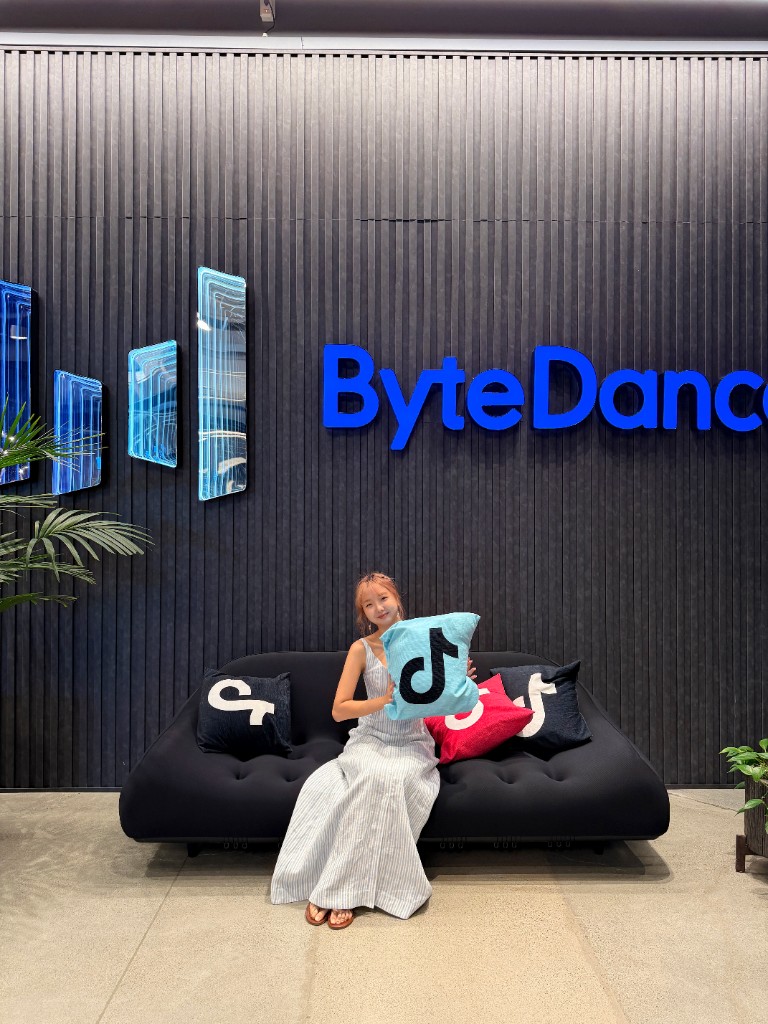
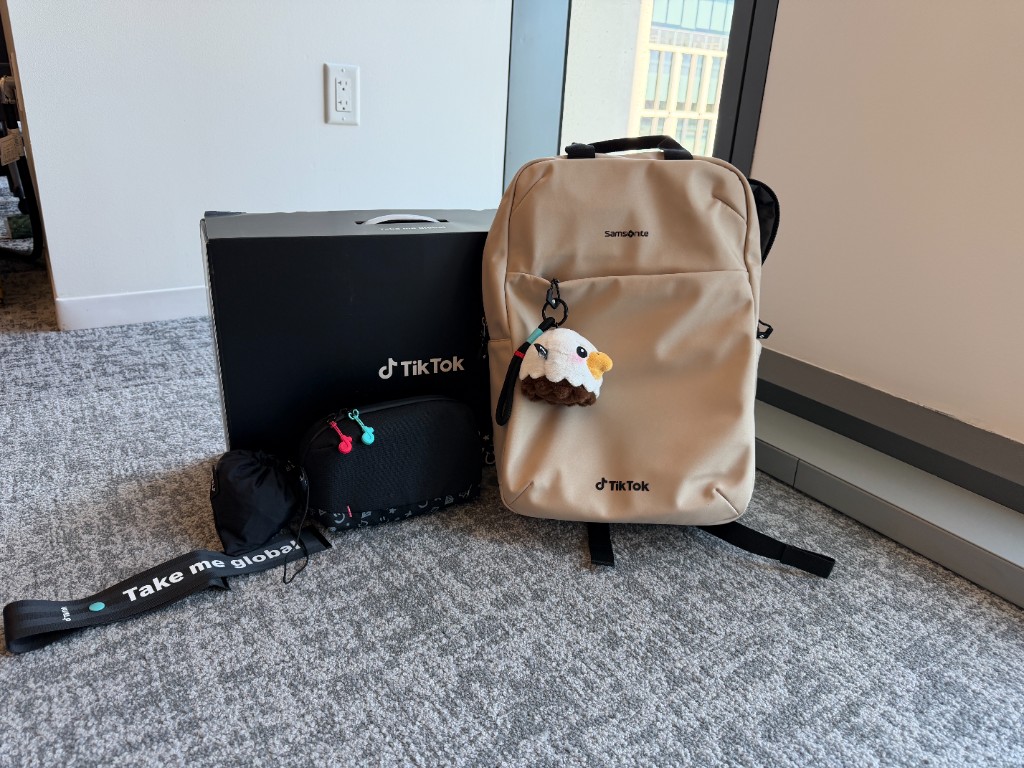
Intern days
My intern days at TikTok


Takeaways
What I learned working at TikTok
Know your audience, and who presents after you.
I adjust wording, visuals, and hierarchy for each room. The same design tells a different story to PMs, engineers, and leadership. I also think about who presents the work next. If a PM carries it forward, the deck has to make sense without me in the room.
Surround yourself with other creatives.
Designers here prototype constantly. The best ones spot an opportunity, build it, and bring it to PMs before anyone asks. I learn as much from their prototypes as from my own projects.
Pitch one step ahead.
When it makes sense, I bring one more idea than the brief asks for: the next step, or a pitch for where the product could go. It shows the team I’m thinking past the current release.
Keep a decision log.
On bigger projects, I log every change and decision: progress, check-ins, whose feedback it was, what they said, and why we chose what we did. Months later, when someone asks why it works this way, the answer is already written down.
Back